 piledrivegames.
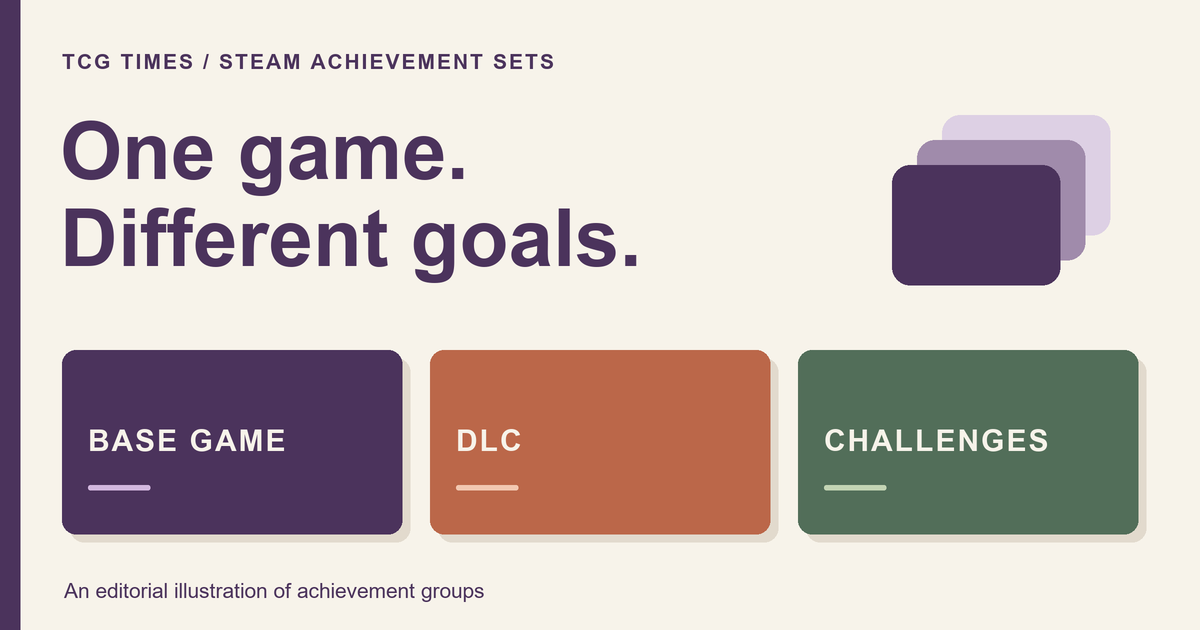
Steam achievement sets divide a game's achievements into groups with their own progress and completion. That makes it easier to tell whether you have finished the base game, an expansion or a particular collection of challenges, instead of treating every achievement as one undifferentiated list.
Valve announced the feature's availability to all Steam users on November 11, 2026. This guide explains the distinction that matters most when reading the new page: a completed set and a list with every currently available achievement unlocked are not always the same thing.
What changed with Steam achievement sets?
Valve's November 11 announcement describes individual progress bars and trophies for sets, separate DLC progress, and support for retiring achievements that can no longer be earned. The redesigned page also brings together game progress, set progress, achievement details and Global Stats.
For a player, the useful first question is the scope of the goal. Are you looking at the game's original adventure, a later addition or one mode? Read the set name before interpreting a completion marker or comparing it with an older screenshot.
A set is an organizational group, not a new game mode by itself. Seeing a challenge set tells you how achievements are grouped; read the individual achievement descriptions to understand what playing toward it involves.
Do DLC achievements count against base-game completion?
A correctly configured DLC set is separate from base-game completion. Valve's Steamworks guide says its achievements do not count toward the base or other sets, and can only be earned by players able to play that DLC.
Here is a fictional example of how to read that separation. It does not describe a particular game's actual achievement list:
| Group you see | Question it answers |
|---|---|
| Base game | Have I finished the achievement goals assigned to the original game? |
| Expansion | What remains in this separately tracked DLC group? |
| Challenge mode | Do I want to pursue this additional collection of goals? |
This helps when deciding what to play next. If your interest is completing the original adventure, keep that goal separate from deciding whether an expansion's content appeals to you. A new list of goals is information to evaluate, rather than a reason on its own to buy more content.
Why can a completed set contain locked achievements?
Valve's November 11 announcement says new achievements do not cancel previously completed sets. That is why a completed marker can coexist with an achievement you have not unlocked. If you return after an update, check the marker and current list together.
The Steamworks guide separately warns that moving achievements between sets may change visibility or completion. Addition and reassignment are different operations.
What happens to retired achievements?
The official developer announcement explains archiving as a way to retire achievements or sets while preserving what players already earned. Unearned archived achievements no longer block completion. This is different from deleting an achievement.
That distinction is useful when an old guide points to a discontinued event or a replaced mode. Check the game's current achievement page and developer notes before planning a long attempt around instructions written for content that no longer exists.
For a personal checklist, record the goal and its current availability together. A short note such as “old event goal; check current status” is more useful than copying a historical list and assuming every entry is still obtainable.
How should you read and compare achievement progress?
Valve says the updated page includes search and filters, with comparison against up to three friends. Use the set names and the same comparison scope when discussing progress. “I finished the base game” and “I finished every expansion” describe different goals.
- Identify the group. Read its name and whether it belongs to DLC or another collection of goals.
- Read the remaining descriptions. Decide whether the activities themselves interest you.
- Check the date of outside advice. Older screenshots and walkthroughs may describe a different organization.
- Choose your own stopping point. You can enjoy a game without treating every optional goal as required homework.
Under the Steamworks rules, completing any set qualifies that game for the Completionist Showcase. That does not establish completion of all its other sets.
Why does a game still show just one achievement list?
Developers choose additional groups. The Steamworks guide says existing achievements remain in the base-game set until reassigned, so a game can still display one list.
If you only see one list, read what that game actually presents. Do not assume a missing group proves that an expansion has no achievements, or that every game's organization should look identical.
What should indie developers consider?
Valve's developer announcement says sets are configured in Steamworks using the existing achievement API names and unlock calls; organizing them does not require a game or SDK update. It also describes developer-only sets for testing before players see new goals.
The design question comes before the grouping work: what should a player understand from each set name? A short, specific label can distinguish the main adventure from an optional mode without requiring someone to inspect every entry. Explain substantial changes in an update note so returning players can understand what moved or became available.
For related design thinking, our indie-development notes on readable strategy discuss making decisions and feedback easier to understand. Browse the Steam guides for more practical PC-game explainers.