 piledrivegames.
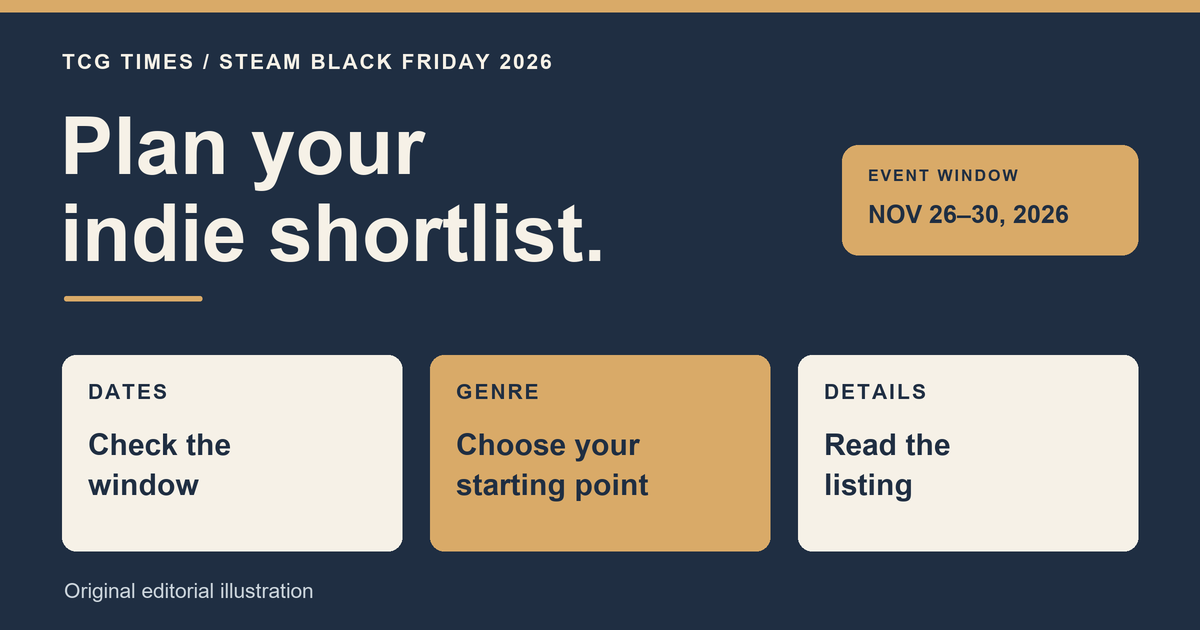
Steam's Black Friday 2026 spotlight runs from November 26 at 10 a.m. Pacific to November 30 at 10 a.m. Pacific. Valve is giving its existing Discounts & Events hub special presentation and extra storefront promotion for that window. It is not a separate official Black Friday Fest.
For players looking for indie games, the useful preparation is a short list of games and genres to check when offers are live. This pre-event guide explains the dates and a practical browsing approach, without predicting discounts for individual games.
When does Steam's Black Friday 2026 spotlight start?
Valve's upcoming-events calendar gives the following window for the hub's Black Friday presentation:
| Time zone | Starts Thursday, November 26 | Ends Monday, November 30 |
|---|---|---|
| Pacific Standard Time | 10 a.m. | 10 a.m. |
| Eastern Standard Time | 1 p.m. | 1 p.m. |
| UTC | 18:00 | 18:00 |
The Eastern and UTC times are conversions of Valve's Pacific schedule. These dates describe the hub's presentation window. Check each game's own current offer and end time on its store page.
Is this a Steam sale or an official Fest?
Valve's calendar says the year-round Discounts & Events page will receive Black Friday theming and artwork, with discounts across genres. Its distinction matters: a promoted hub does not establish that every game is discounted or that a particular title has joined an official themed Fest.
Use the calendar for the overall window and the product page for the actual purchase details. Keep a game's participation, its discount and its suitability for you as separate questions.
How to find indie deals that match what you play
Start with the current Discounts & Events hub. Its browsing options include genre, theme and feature groupings, plus a section for discounted games on your wishlist. Personal wishlist results require signing in; the public hub is still a useful place to begin.
- Choose a kind of session. Decide whether you want solo exploration, a turn-based run, real-time decisions or something to play together. That gives your browsing a purpose.
- Narrow the description. Look for a specific genre or mechanic alongside the broad Indie label. Valve's tagging documentation explains how tags support browsing and recommendations across different game characteristics.
- Open the game's own page. Read what the game involves, which features it currently supports and what the offered package contains.
- Compare a small shortlist. Keep the games you actually want to play together in one list, rather than letting the largest percentage on the page decide for you.
If you are choosing between strategy styles, our real-time strategy introduction and roguelike deckbuilder guide explain different kinds of decisions. For context on the broad label itself, see what indie means and how to read Steam tags.
What should you check before buying?
- The exact product. Check whether you are looking at the base game, an edition, an expansion, a soundtrack or a bundle, and read what is included.
- The current price and expiry. Use the price in your own Steam storefront and the offer's displayed end time. A hub date is not a promise about every individual promotion.
- Your setup. Read system requirements, input support and multiplayer details for the way you intend to play.
- The game itself. Look at ordinary gameplay and recent developer information. A discount percentage cannot explain whether its pace or mechanics will suit you.
If a demo is available, it can provide another way to judge the interaction before buying. Read that demo's own scope and save-progress information rather than assuming it includes the full game or transfers progress.
What can you do before November 26?
Make a shortlist now, note what you want from each game and decide how much you want to spend overall. When the Black Friday window begins, check the live offers against that list.
A useful result might be one game you will play soon, or finding that your preferred title has no offer worth taking. This guide does not identify verified future deals, promise historical lows or claim that waiting will produce a better price. The confirmed information is Valve's hub schedule; individual offers need a current check.